
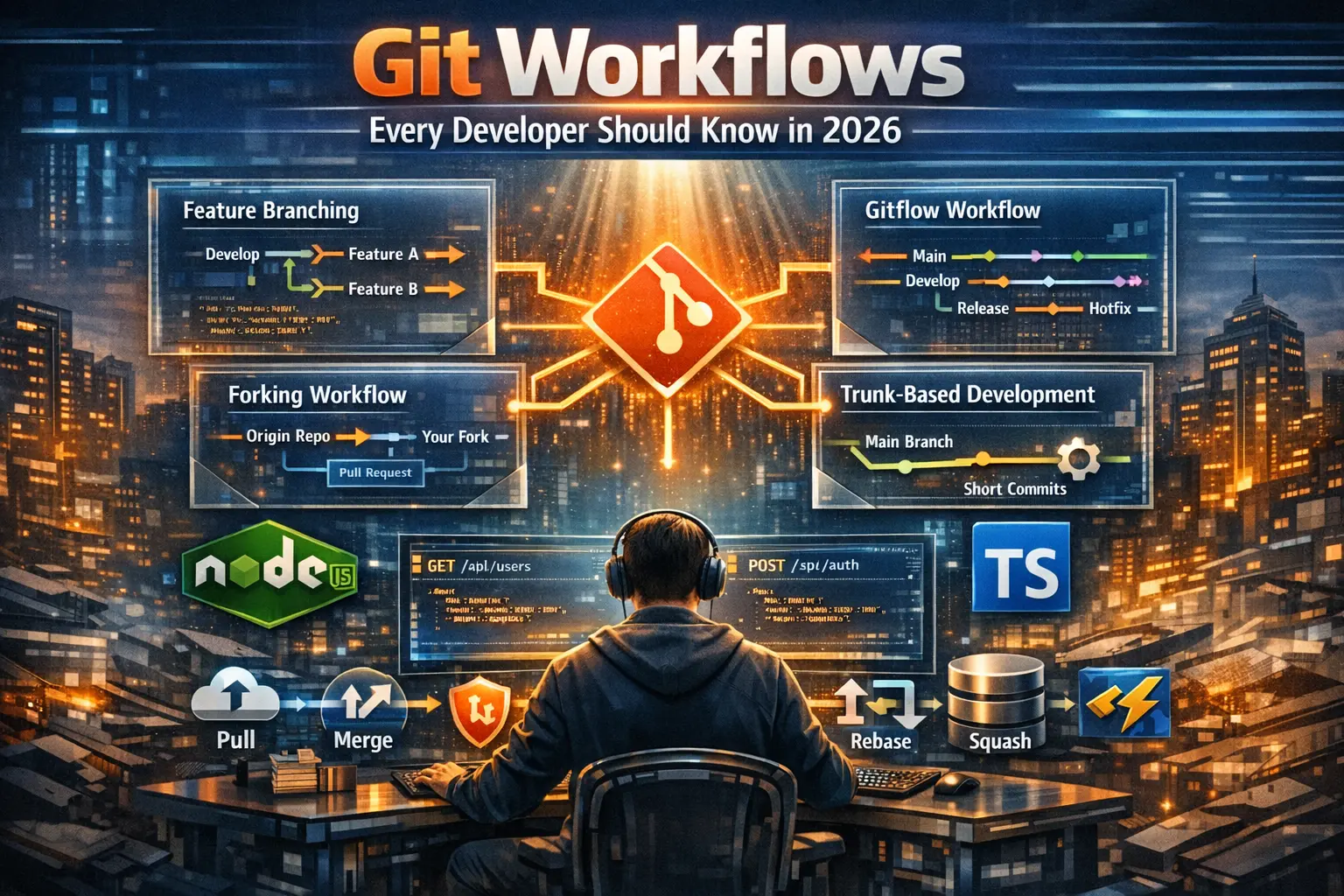
Git Workflows Every Developer Should Know in 2026
Every developer uses Git. Few developers use it well. The difference between someone who knows the basics and someone who has internalized good Git habits is visible in their commit history, their PRs, and how they handle conflicts. This article covers the workflows that actually matter in a professional environment.
Trunk-Based Development vs GitFlow
GitFlow — with long-lived develop, release, and hotfix branches — was the standard for years. In 2026, most teams have moved to trunk-based development: everyone commits to a single main branch frequently, feature flags control what's visible to users, and CI/CD pipelines handle the rest.
Trunk-based development works better with modern deployment infrastructure. Smaller, more frequent commits mean less merge hell and faster feedback loops. If your team is still on GitFlow and deployments are painful, this is probably why.
Branching That Actually Makes Sense
Even in trunk-based teams, short-lived feature branches are standard. The key word is short-lived — measured in hours or one to two days at most, not weeks. Long-lived branches accumulate drift, cause merge conflicts, and make code review harder.
Name branches clearly: feature/add-auth-endpoint, fix/broken-image-upload, chore/update-dependencies. Consistent naming makes repository navigation and automated tooling much easier.
Writing Commits That Mean Something
Conventional Commits is the standard in 2026. The format is simple: a type prefix (feat, fix, chore, docs, refactor), an optional scope, and a short description. Tools like commitlint enforce it automatically in CI. Changelogs and release notes can be generated from it automatically.
More importantly, a good commit message explains why something changed, not just what. The diff already shows what changed. The message should provide context that the diff cannot.
Rebase vs Merge — The Honest Answer
Use rebase to keep your feature branch up to date with main while you're working. Use merge to bring your finished feature branch into main via a pull request. Never rebase shared branches — only branches that are yours alone.
Interactive rebase is one of the most underused Git features. Before opening a PR, clean up your commit history: squash work-in-progress commits, fix up typo corrections, and make sure each commit represents a coherent unit of work. Reviewers notice.
Pull Request Hygiene
A good PR is focused, small, and comes with context. Describe what changed and why in the PR description. Link to the relevant issue or ticket. Keep PRs under 400 lines of change where possible — larger PRs get rubber-stamped because reviewers lose focus.
Review your own PR before asking others to review it. You'll catch obvious issues and save everyone time.
Protecting Yourself with Good Habits
Never force push to main. Always pull before you start working. Use git stash when you need to context-switch quickly. Set up a .gitignore properly from day one. Learn git bisect — it will save you hours the first time you use it to track down a regression.